
Sea cargo delays can begin before a container reaches the port. An incorrect stakeholder role, unregistered authorised person or mismatched PAN, GSTIN and commercial-code details can stop a message from being accepted. SCMTR Registration gives sea-cargo stakeholders the ICEGATE identity needed to transact under the Sea Cargo Manifest and Transhipment Regulations, 2018.
It is not the same as filing a manifest for every vessel or shipment. Registration establishes the entity and its authorised operations, while SCMTR filing covers cargo, vessel, stuffing and transhipment messages.
This guide explains who must register, which role to select, what documents and data to prepare, how the online process works and which errors commonly cause queries or rejection.
What is SCMTR Registration?
SCMTR Registration is the role-based ICEGATE approval for transacting under the Sea Cargo Manifest and Transhipment Regulations, 2018. The application identifies the entity, Customs-facing operations, registration port and authorised people.
The application is submitted electronically in Form I through ICEGATE. Registration is granted under Regulation 3 by the Commissioner of Customs having jurisdiction over the applicant’s selected registration location. ICEGATE provides the submission, verification and tracking system, but it should not be described as the authority that legally grants SCMTR registration.
Registration is Not the Same as Filing
Registration is an entity-level approval. A business normally completes it before it can send the electronic messages assigned to its role. Filing is an ongoing operational duty linked to a shipment, vessel, container, cargo movement or port event.
SCMTR does not replace an IEC, Customs Broker licence, MTO registration, IATA accreditation or port approval. A business acting as principal for multimodal carriage should separately assess its MTO position and may use MTO support for that distinct requirement.
Latest SCMTR Rollout Position in September 2026
The most important current point is that SCMTR has not been withdrawn. ICEGATE discontinued the MFTP filing mode for authorised custodians, transhippers and terminal operators from 14 July 2026, but that channel change did not repeal the regulations.
CBIC Circular No. 38/2026-Customs, dated 1 September 2026, makes SCMTR operational port by port under this schedule:
|
Operational date |
Ports covered by the circular |
|
1 September 2026 |
Goa and Bombay |
|
7 September 2026 |
Mangalore, Vizag and Kakinada |
|
11 September 2026 |
Tuticorin, Gangavaram and Cuddalore |
|
21 September 2026 |
Cochin, Paradeep, Ennore and Kattupalli |
|
28 September 2026 |
Kandla, Kolkata, Hazira, Dahej, Pipavav, Karanja, Haldia, Sikka, Dhamra, Vadinar, Magdalla and Jaigad |
|
5 October 2026 |
Bhavnagar, Okha, Karwar, Dabhol, Redi and Mundra |
|
9 October 2026 |
Chennai |
|
15 October 2026 |
Nhava Sheva and all remaining ports |
Notification No. 73/2026-Customs (N.T.) substitutes 31 October 2026 against the relevant entry after Form XII. This transitional date is not a reason to wait. Follow the operational date for the relevant port.
The circular directs no penal action during implementation. Still retain acknowledgements, errors and helpdesk tickets because incomplete cargo data remains unacceptable.
Who Should Apply for ICEGATE SCMTR Registration?
The correct SCMTR entity type follows the applicant’s existing ICEGATE role and actual work. Selecting a convenient role instead of the legally correct one can create a rejection or leave the business unable to file the required message.
|
Existing ICEGATE role or activity |
SCMTR entity type |
|
Shipping line |
ASC and ATP |
|
Shipping or steamer agent |
ASA and ATP |
|
Importer or exporter holding IEC |
AES |
|
Terminal operator |
ATO |
|
Custodian at a seaport, ICD or CFS |
ACU |
|
Consol agent, freight forwarder, NVOCC or Customs Broker |
ANC |
|
Train operator or transhipper |
ATP |
ASC means Authorised Sea Carrier, ASA means Authorised Sea Agent, and ANC means Authorised Notified Carrier.
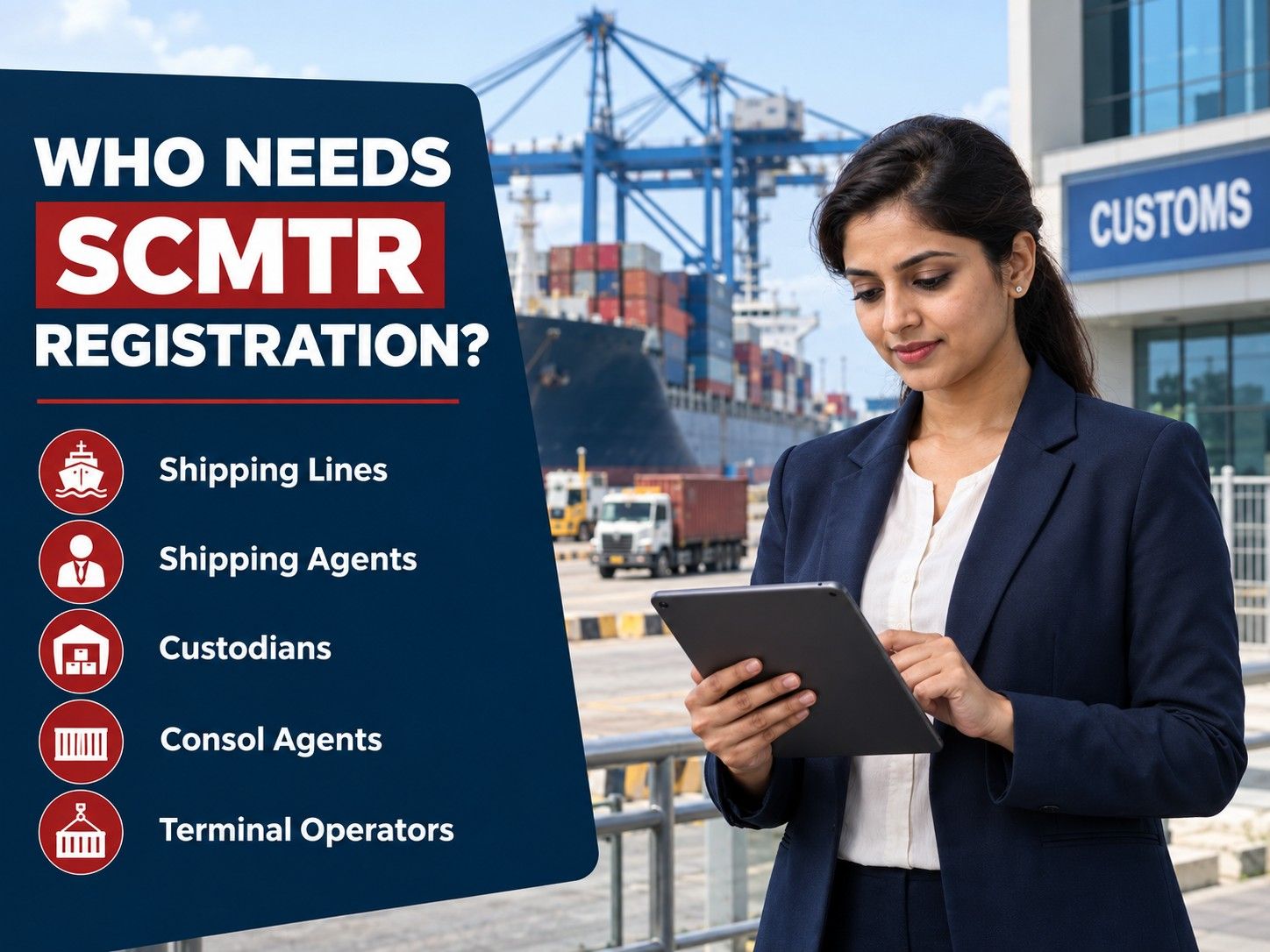
AES does not turn an IEC holder into a carrier or consolidator. The actual operation still determines who files each cargo or vessel message.
Eligibility and Readiness Checks Before Applying
No general turnover threshold is published for every SCMTR role. Readiness depends on the underlying Customs-facing role, approvals and verifiable records.
Before opening the application, check that:
-
The entity has an active ICEGATE parent or master registration under the correct base role
-
The entity name and PAN match the ICEGATE profile and supporting records
-
GSTINs belong to the same PAN and correspond to the relevant operations
-
Commercial codes, such as shipping-line, shipping-agent, custodian or IEC branch codes, are available
-
The selected port or Customs location matches the role and place of operation
-
Every person who will act for the entity has the required ICEGATE user registration
-
Relevant contracts, licences and expiry dates are current
-
The master user’s registered email address and mobile number can receive OTPs
ASC, ASA, ATO and ANC applications require a sea-port location. ATP and AES use a location appropriate to the operation. An ACU can register its master at one operating location and list its other custodian operations.
Documents and Data Required for SCMTR Registration
Documents depend on the entity type and declared operations. A complete upload can still fail when its PAN, document code, sequence or expiry date conflicts with the form.
|
Record or document |
What must be checked |
|
Entity profile |
Legal name, PAN, registered address, contact details, GSTIN and AEO number where applicable |
|
Authorised-operation details |
Operation type, Customs commercial code, GSTIN, location coordinates and licence or contract expiry date |
|
Customs-case declaration |
Digitally signed details of cases booked, or the prescribed self-declaration that no Customs case has been booked |
|
Shipping-line authority |
Memorandum of understanding or supporting authorisation for each declared operation, where required for ASC |
|
Authorised-person records |
Personal PAN, ICEGATE ID, date of birth, address, mobile number, email, identity proof and address proof |
|
Role-specific approval |
Applicable licence, contract, custodian code, agency authority or other evidence supporting the declared operation |
Supporting documents must be digitally signed PDFs, limited to 1.5 MB each. The portal’s signing facility may be used where needed. A Customs-case declaration is mandatory even when no case exists.
Searching for an NVOCC License in India? Read this guide.
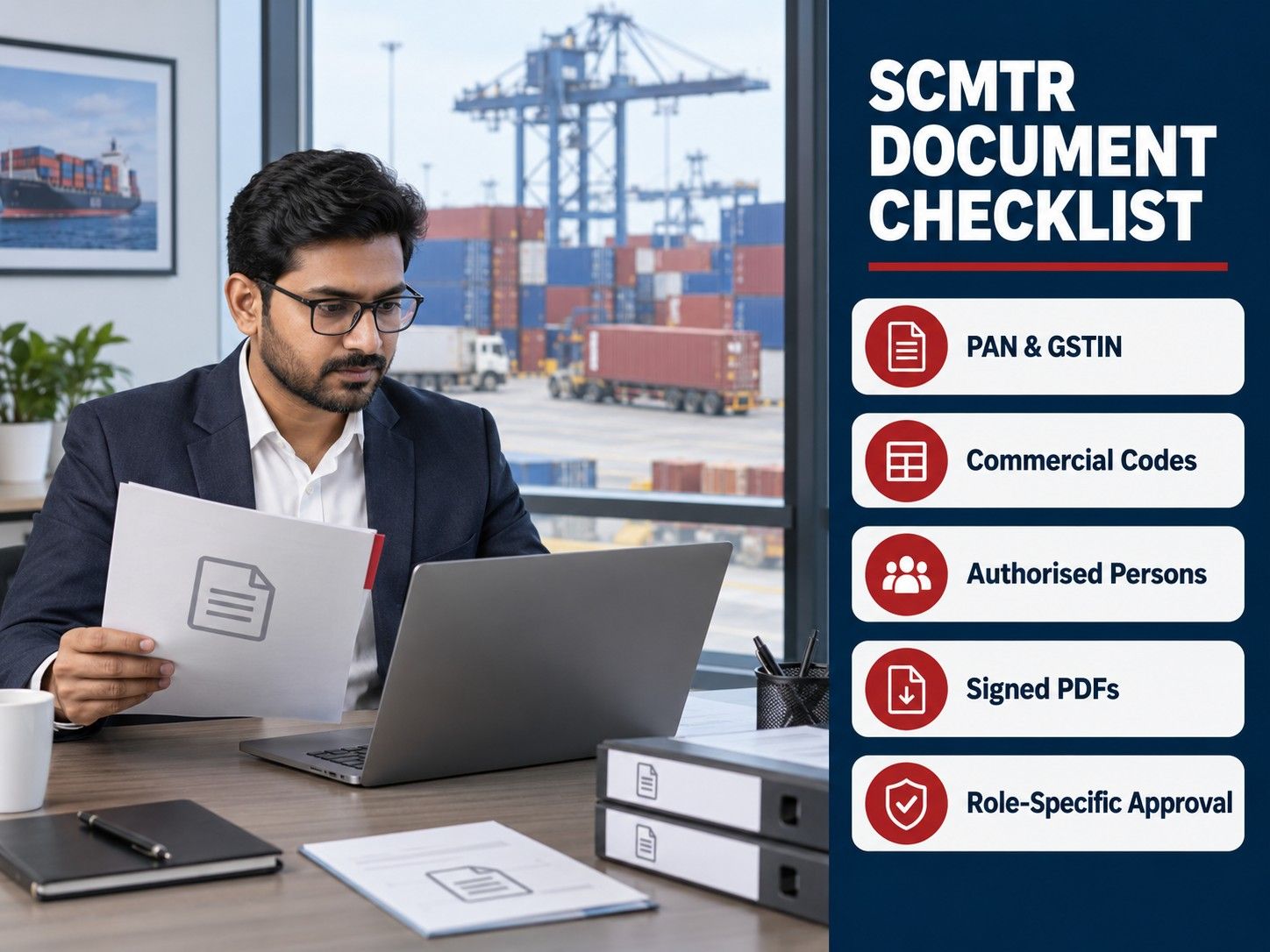
Follow the current screen, not an old checklist. Use the upload fields and document codes displayed for the selected entity type.
How to Complete SCMTR Registration on ICEGATE
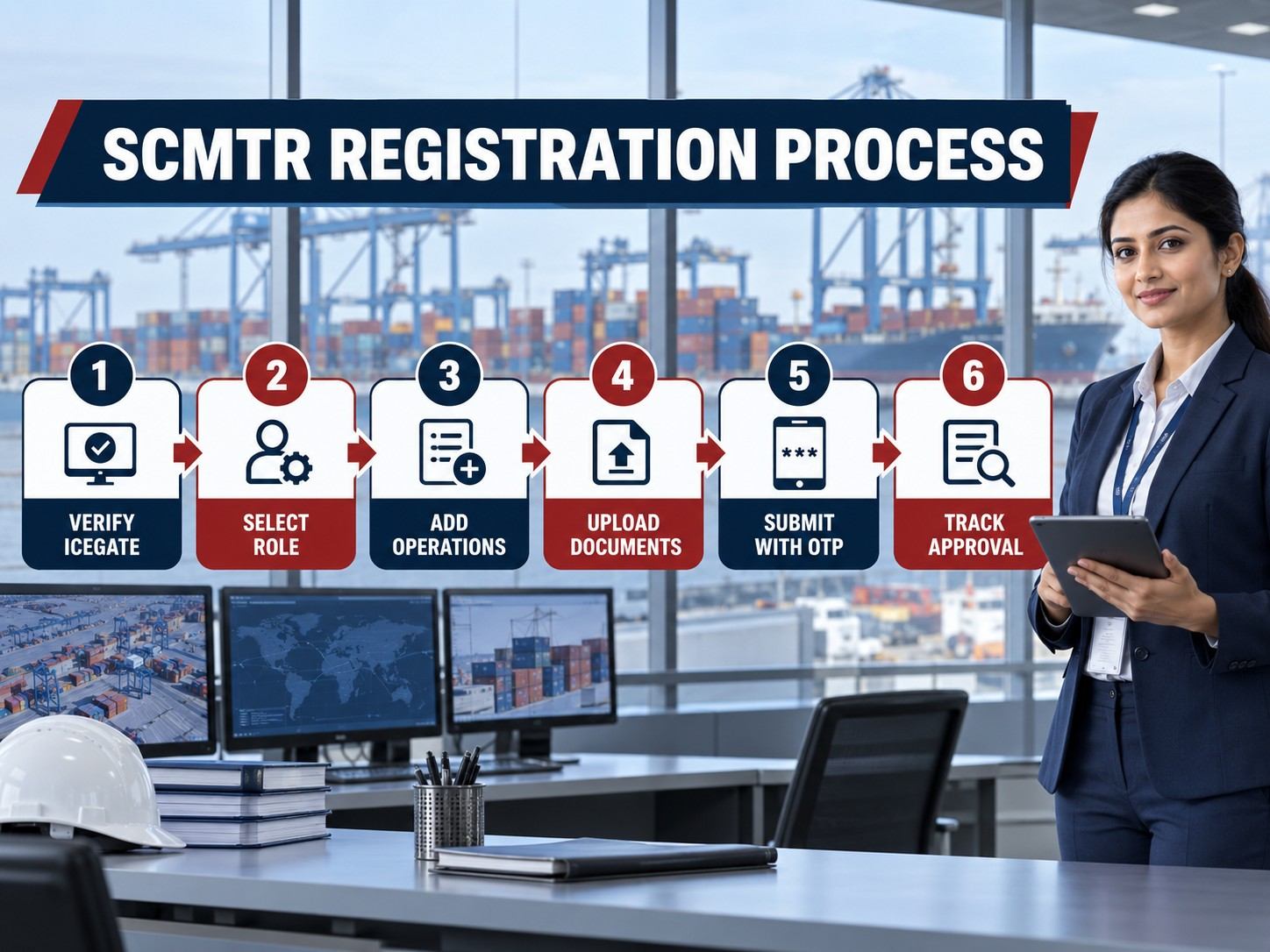
Below are the steps that you may follow to complete the SCMTR Registration:
Step 1: Verify the Parent and Child ICEGATE Accounts
Log in through the entity’s master ICEGATE account. Confirm that each authorised person has the required ICEGATE identity. Connect them correctly as child users.
Step 2: Open the SCMTR Enablement Widget
Choose SCMTR registration and then fresh registration. Verify all pre-filled profile data. Add anything missing.
Step 3: Select the Correct Entity Type and Port
Match the entity type with the existing ICEGATE role and actual operation. Select the correct port or Customs location. That choice determines jurisdictional routing.
Step 4: Complete the Entity Information
Review the legal name, PAN and registered address. Enter GSTIN, AEO number and contacts where applicable. Complete the master user’s OTP verification.
Step 5: Add Every Authorised Operation
Enter each operation separately with its type, commercial code, GSTIN, coordinates and relevant expiry date. Use separate sequences for different lines or approved locations. Do not combine unrelated codes.
Step 6: Add the Authorised Persons
Enter each person’s PAN, ICEGATE ID, identity, address and contacts. The entity vouches for these details. Do not retain a former employee or unverified user.
Step 7: Upload and Sign the Supporting Documents
Attach each PDF under the correct entity, operation or person section. Select the prescribed document code and check its number, sequence and expiry. Digitally sign the upload.
Step 8: Review, Submit and Answer Queries
Compare the preview with the supporting records, then submit using the required OTPs. The officer may approve, reject or query the application. Monitor the dashboard and answer with consistent evidence.
SCMTR Registration Fees and Financial Requirements
The table below shows SCMTR registration fees and financial requirements:
|
Payment or requirement |
Who it applies to |
Official amount or position |
|
ICEGATE SCMTR application |
All applicant categories |
The current ICEGATE registration process does not specify a separate application fee or payment stage |
|
Form XI compliance bond |
Other notified carriers registered as ANC, including applicable freight forwarders, NVOCCs and consolidators |
₹5,00,000 |
|
Financial security |
Applicants covered by Regulation 3(1A) |
₹5,00,000 through a bank guarantee, postal security, National Savings Certificate or fixed deposit receipt from a nationalised bank |
|
AEO security exemption |
Authorised Economic Operators |
Exempt from furnishing the separate financial security |
|
Customs Broker security exemption |
Customs Brokers licensed under CBLR 2018 and authorised to issue delivery orders |
Exempt from furnishing fresh financial security |
|
Transhipment bond |
Applicants conducting authorised transhipment operations |
Required where applicable, but a universal fixed amount is not stated in the SCMTR registration manual |
|
DSC, filing software and professional assistance |
Applicants using third-party services |
Commercial charges determined by the respective provider, not government SCMTR fees |
CBIC Circular No. 43/2020 reduced the Regulation 3(1A) bond and security amounts from ₹10 lakh to ₹5 lakh. It also extended the security exemption to qualifying Customs Brokers.
Processing Period, Validity, Amendment and Renewal
Below are some details about the SCMTR processing period, validity, amendment and renewal:
Processing Period
ICEGATE publishes no guaranteed approval period for every application. Timing depends on jurisdictional verification, role, documents and queries. Apply before the first live filing.
Validity and Inactivity
Registration remains valid until surrendered or revoked. It becomes deemed invalid after one continuous year of inactivity, excluding a formal suspension period.
After invalidation, the carrier may seek renewal in Form IA. The Commissioner may renew from expiry after confirming eligibility, within one month of receiving the application.
Amendment
Parent amendment can revise most particulars, but not the entity type or entity PAN. Update operations, people, contacts and evidence promptly.
Surrender, Suspension and Revocation
An authorised carrier may request surrender in writing. It may be accepted when government dues are paid, and no proceeding is pending.
Registration may be revoked for non-compliance. Customs may also suspend operations at a station when the activity is considered detrimental to revenue, subject to the prescribed procedure.
Penalty for SCMTR Non-Compliance
Regulation 13 permits a penalty of up to ₹50,000 for contravention of the regulations where no separate penalty is expressly provided. Suspension, revocation or another action may also arise where the relevant regulatory conditions are met.
CBIC Circular No. 38/2026-Customs directs field formations not to initiate penal action during the current implementation phase. This transitional relaxation should not be treated as a permanent exemption from SCMTR compliance. Businesses should retain submission acknowledgements, error messages and helpdesk records to demonstrate timely compliance efforts.
Read more: ACAAI Membership
What SCMTR Filing Happens After Registration?
Approval does not move cargo. Each participant must send its assigned messages and share accepted references correctly.
|
Operational participant |
Main filing responsibility |
|
ASC or ASA |
Vessel-level Sea Arrival Manifest and Sea Departure Manifest, with related arrival, departure and amendment messages |
|
ANC |
House-level cargo information through the Cargo Summary Notification where the business acts as consolidator, NVOCC or eligible forwarder |
|
ACU, ATO or ATP |
Assigned custody, terminal, stuffing, stripping, gate or transhipment messages under the applicable message guide |
|
AES |
Exporter or IEC-holder messages connected with the authorised export and e-seal workflow where applicable |
The Sea Arrival Manifest is due before the vessel leaves its last foreign port of call for India. The Sea Departure Manifest is due before departure from the Indian port. A carrier may set an earlier documentation cut-off to validate and consolidate data.
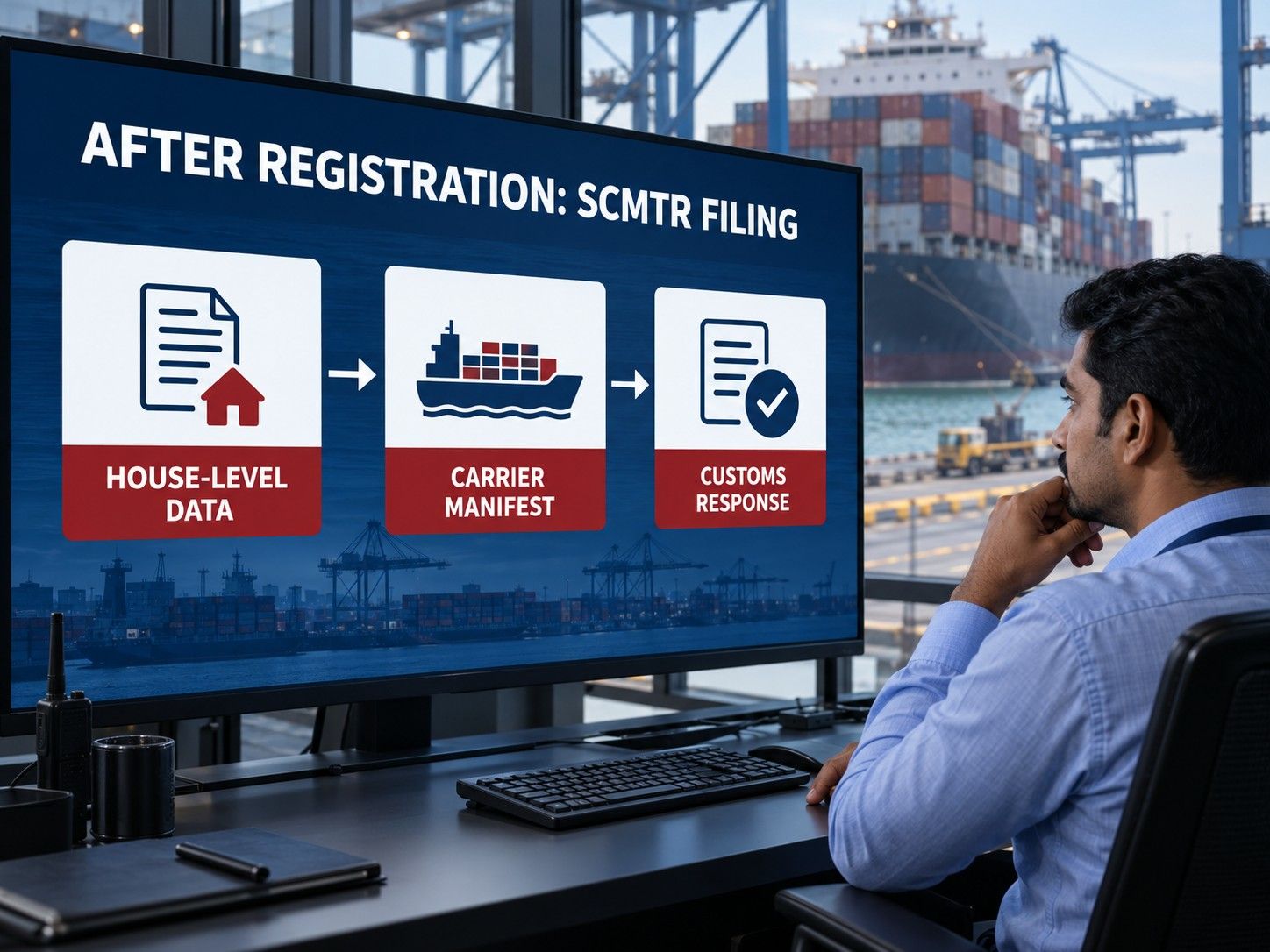
House-level data must reach the carrier before the vessel manifest is finalised. Track accepted PCIN, CSN and MCIN references against the correct shipping bill, house bill and master bill.
Read Also: Bill of Lading Act 2025
Common Reasons for Registration or Filing Delays
Most avoidable failures arise from data relationships, not from a missing “licence certificate”. Check the complete chain before pressing submit.
-
Entity PAN does not match the PAN embedded in the GSTIN
-
The applicant selects an invalid entity type for its existing ICEGATE role
-
The port of registration or Customs location code is incompatible with the role
-
A commercial code belongs to another operation or has expired
-
The authorised person lacks the required ICEGATE user mapping
-
A supporting PDF is missing, unsigned, oversized or attached under the wrong section
-
The mandatory Customs-case declaration is omitted
-
The applicant creates a duplicate record when the entity already exists
-
House bill, master bill, shipping bill, container, package, weight or party details do not match
-
A message is sent through a discontinued or unsupported filing channel
-
An acknowledgement or rejection is not reviewed before the vessel cut-off
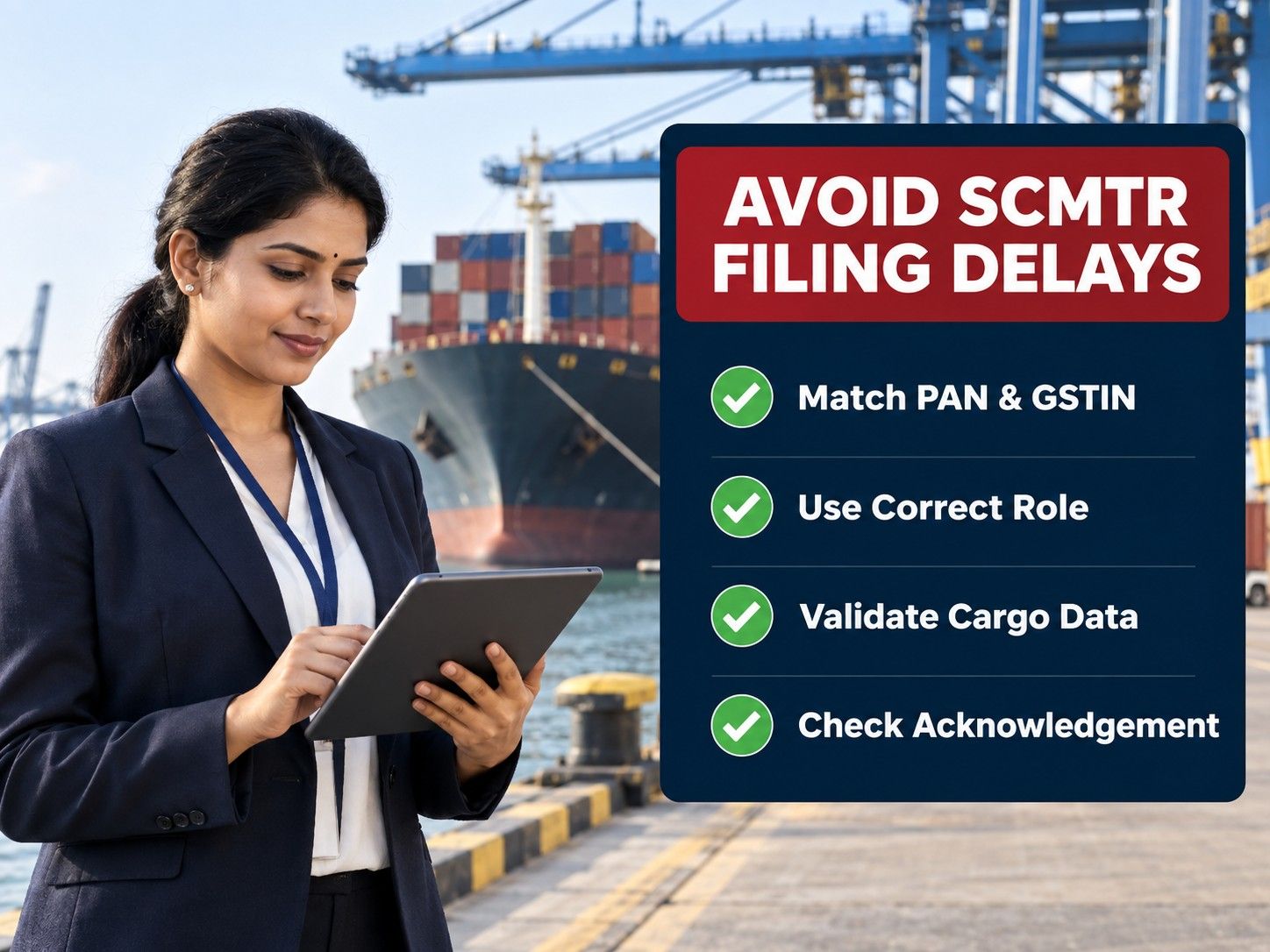
Practical SCMTR Compliance Checklist
Use one controlled master-data sheet for the entity and one shipment-level checklist for every filing. Ownership should be clear enough that an error is corrected before another party builds its message on the same incorrect reference.
-
Confirm the port’s current rollout date and enabled message channel.
-
Validate the entity role, PAN, GSTIN, commercial code and approved operations.
-
Remove inactive authorised persons and add new child users before they transact.
-
Collect final shipper, consignee, bill, cargo, package, weight, container and itinerary data.
-
Reconcile house-level data with the master carrier’s booking and manifest records.
-
Submit before the carrier’s operational cut-off, not merely before the statutory last point.
-
Save the submitted file, acknowledgement, generated identification number and error response.
-
Correct rejected data at its source instead of repeatedly resending the same file.
-
Use the parent-amendment function when approved entity details change.
-
Keep evidence of helpdesk escalation during the phased implementation period.
Conclusion
SCMTR Registration is the foundation for authorised electronic sea-cargo reporting, but smooth movement depends on what happens after approval. The entity must choose the correct role, maintain valid operations and authorised users, submit accurate supporting records and connect every house-level reference with the carrier’s vessel-level filing.
The September - October 2026 rollout makes early preparation especially important. Check the date for the relevant port, move away from discontinued channels and test the full data chain before a live vessel cut-off. Accurate master data, clear responsibility and prompt review of acknowledgements will do more to prevent delay than a last-minute resubmission.
FAQS
FAQs About SCMTR Registration
-
Can one business register under more than one SCMTR role?
A business may need different SCMTR roles when it performs legally distinct functions, but it must apply according to its existing ICEGATE role and actual operations. Different entity types should not be selected simply to gain wider portal access. Shipping lines have specific ASC and ATP treatment, while other combinations should be confirmed through the jurisdictional officer before submission.
- What should I do if the entity PAN or entity type is wrong after submission?
- Can the Indian office of a foreign shipping line register as an ASC?
- Can an authorised carrier outsource SCMTR filing to a software vendor?
- Can a Customs Broker file a CSN for a client’s house bill?
- What happens if bill details change after the CSN is accepted?
- Does approved SCMTR registration guarantee Customs clearance?
- Who receives the OTP during SCMTR registration?
- Does an authorised custodian need a separate master registration for every location?
- What does the “entity already exists” error mean?


